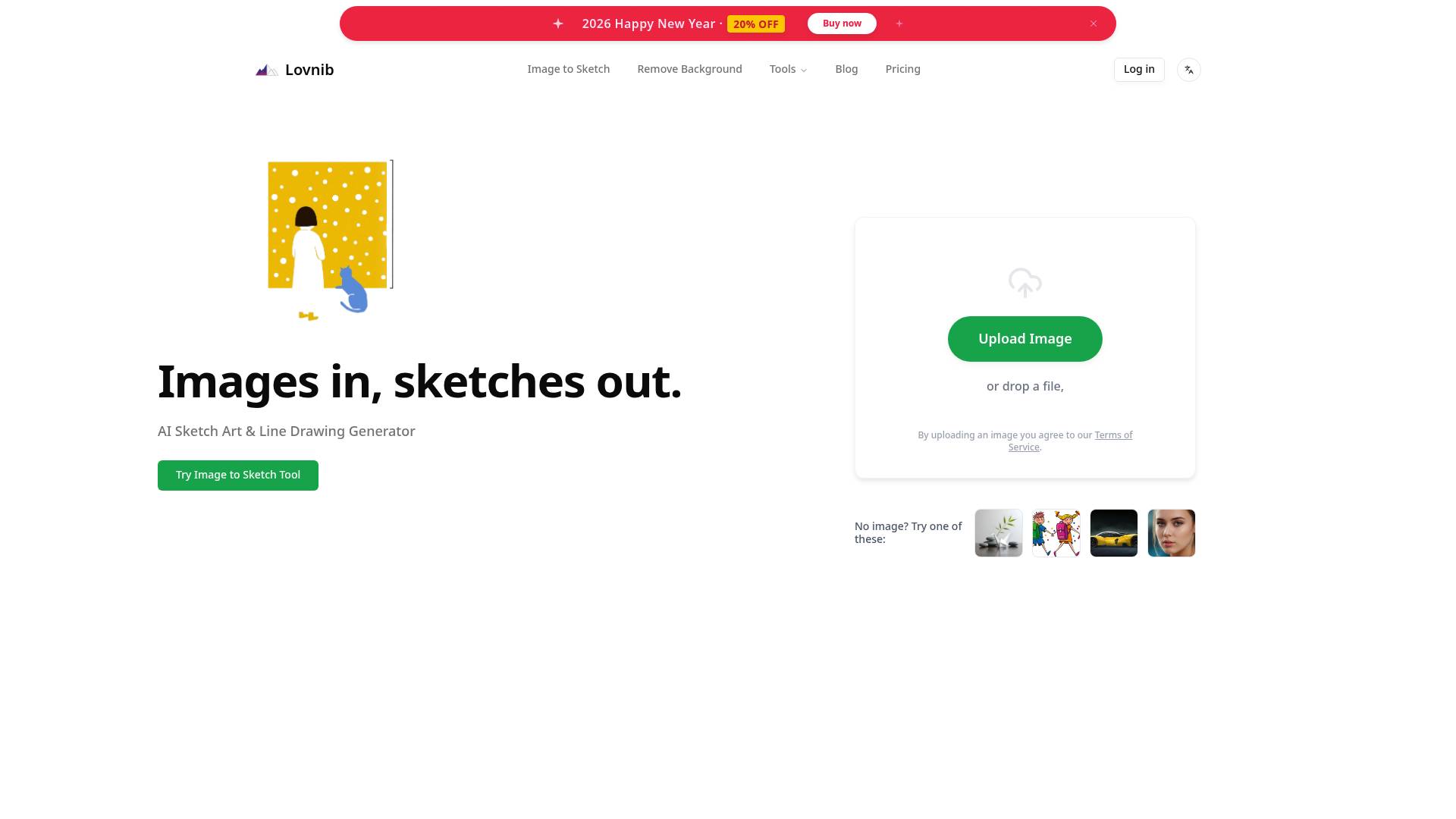
Image to Sketch | Lovnib
Lovnib - AI Sketch Art & Line Drawing Generator.
- Category
- Image to Image Variation
- Alternatives
- 6 similar tools
- Last updated
- 3 weeks ago
- Source
- Official site ↗
AI Collection Top Picks

Image to Image Variation Category Picks
About Image to Sketch | Lovnib
Instantly transform photos into sketches and clean line art. Create unique avatars and gifts with Lovnib's AI platform. Images in, sketches out.
Frequently asked questions
What is Image to Sketch | Lovnib used for?
Lovnib - AI Sketch Art & Line Drawing Generator.Is Image to Sketch | Lovnib free?
Pricing for Image to Sketch | Lovnib varies — see the Pricing section for details.What are alternatives to Image to Sketch | Lovnib?
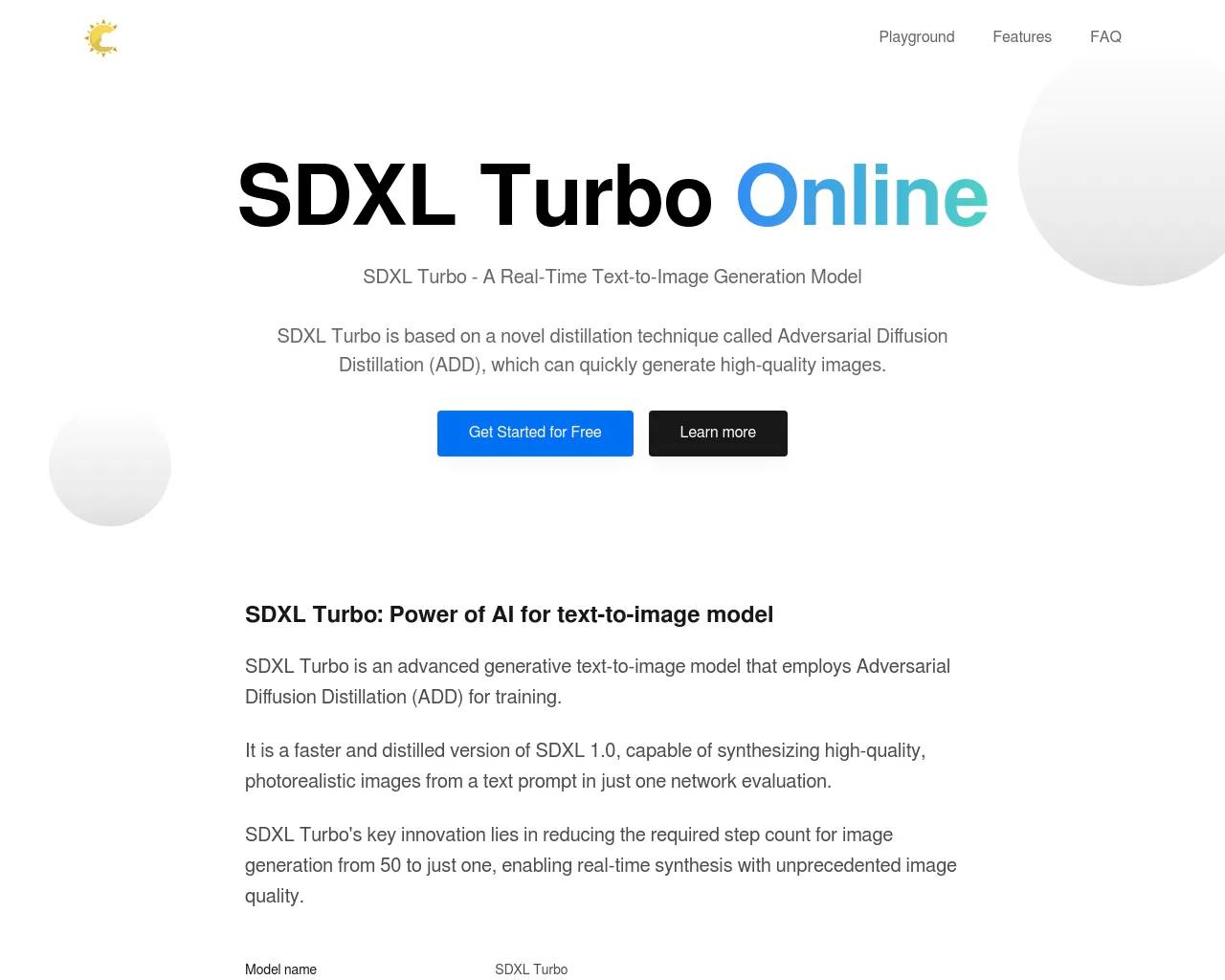
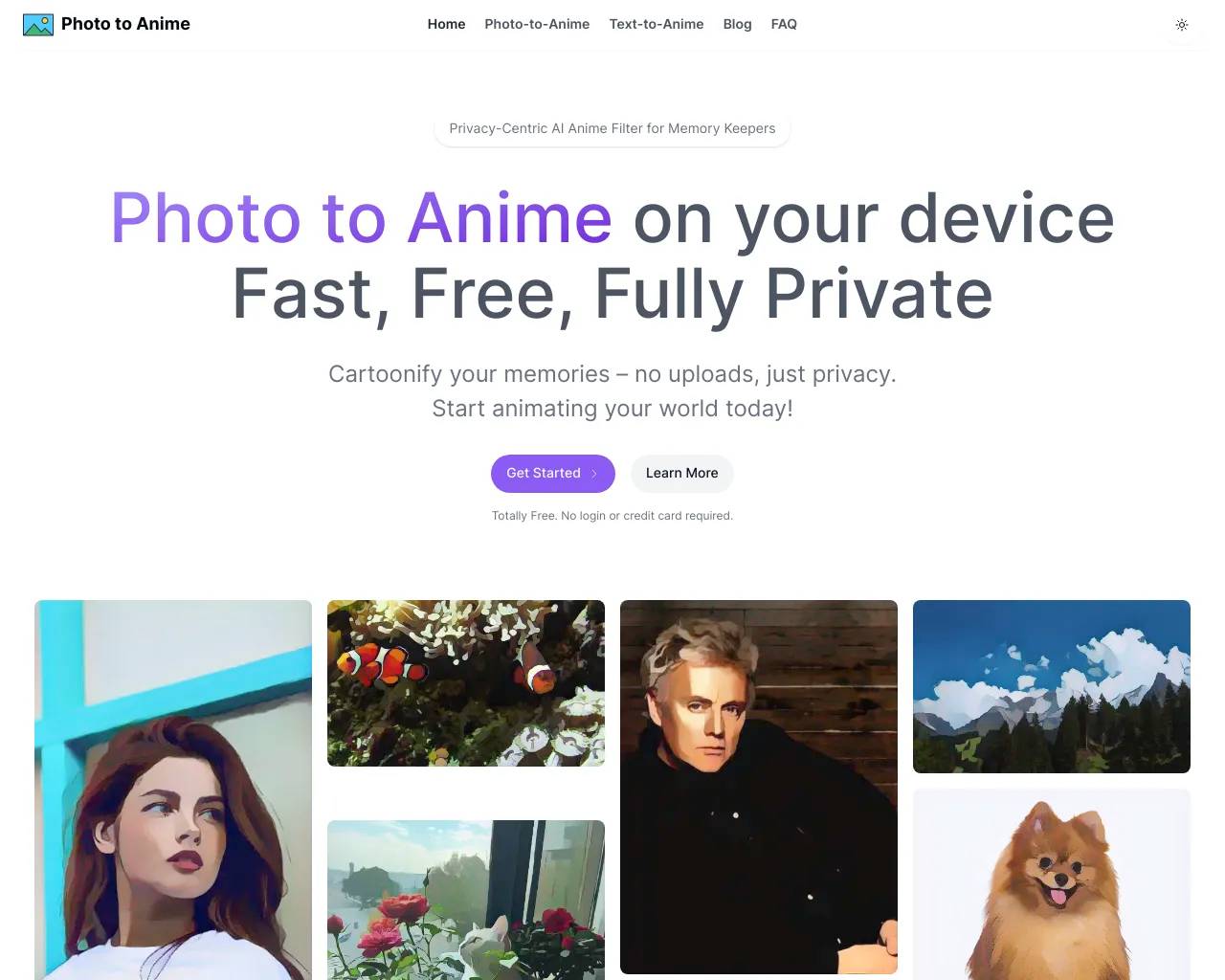
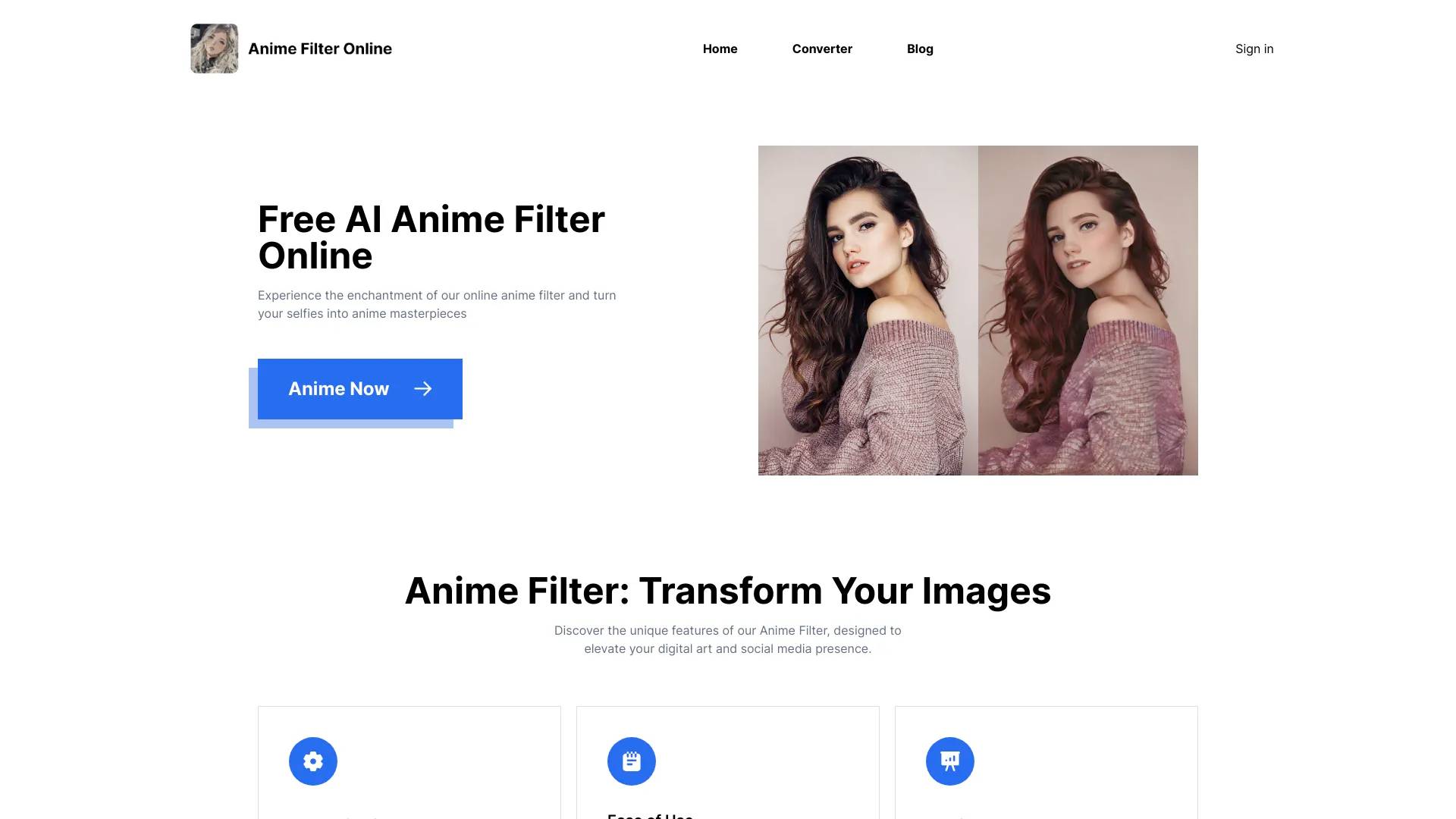
Top alternatives to Image to Sketch | Lovnib include SDXL TURBO ONLINE, Photo to Anime, AI Anime Filter, Raphael AI, Simpedit.Where can I get Image to Sketch | Lovnib?
Image to Sketch | Lovnib is available at https://imagetosketch.org.What category is Image to Sketch | Lovnib in?
Image to Sketch | Lovnib is listed in Image to Image Variation.What will the final result look like?
Our tool converts your photo into a black-and-white sketch/line art style, preserving the main subject and structure of the original image while changing only the artistic style—without randomly altering facial features or composition. We currently support multiple styles to choose from, and we'll continue adding new ones. Each style will have its own dedicated showcase page with detailed comparison examples. After uploading your photo, you can freely switch between styles to preview which sketch effect best suits your needs before deciding to download.What kind of photos work best for conversion?
Generally, photos with a clear subject, proper lighting, simple background, and minimal filters produce the best sketch results. For portraits, it helps when the face occupies a good portion of the frame with clear features, no severe backlighting or extremely dark environments, and an uncluttered background. Avoid photos with heavy beauty filters or exaggerated effects. If you're not satisfied with the result, try using a clearer original photo first, or switch to a different style on the editing page—this usually improves the outcome significantly.Why do faces sometimes get distorted or hands look weird?
These issues typically result from current AI conversion limitations, not problems with your photo. Common causes include faces being too small in the frame, obscured by hair or hands, or extreme shooting angles that make it difficult for the system to accurately identify facial features. Additionally, if the original photo has heavy beauty filters, cartoon effects, or distortion applied, the AI works from that altered base to create the sketch, which can lead to unnatural-looking features and fingers. In these cases, try using photos with clearer, less obscured faces and lighter filters. If a particular style still produces odd results, switching to a different style usually helps significantly.Will my uploaded photos be made public? How is privacy handled?
By default, trial creations may be displayed publicly to help others understand the actual results. If you are concerned about privacy, subscribe to a membership to use privacy mode. Member-generated works follow privacy settings and are not publicly displayed by default. Regardless of plan, we never use your personal photos for commercial purposes. Related images are used only within the scope of website services.Do I need credits to generate?
Yes. Each image-to-sketch generation uses credits. New accounts receive monthly trial credits plus 20 sign-up credits, so you can test the upload, edit, and download workflow before choosing a paid plan.
Compare Image to Sketch | Lovnib with…
Pick any tool to see a structured side-by-side: pricing, deployment, capabilities, and content policy.